

What makes these physics games different?
Physics games make momentum, balance, and contact part of the result. A small change in the starting position can matter as much as a different input.
Repeat a simple setup while adjusting one variable. That makes it easier to understand why the next landing or collision changed.
Which listed games can you start with?
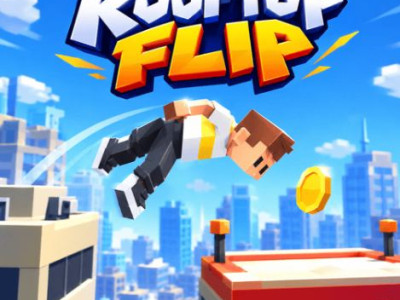
- Rooftop Flip. Rooftop Flip is a rooftop stunt game where launch timing and midair rotation determine the landing. Judge the distance to the target before starting the flip. Release the rotation early enough for the feet to face the landing area.
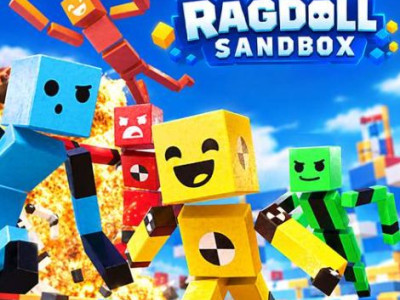
- Ragdoll Sandbox. Ragdoll Sandbox is a physics playground for experimenting with objects, characters, and the effects of a small setup. Change one part of a scene at a time. Keeping the rest consistent lets you see whether position, force, or the chosen object caused the result.
- Wacky Flip. Wacky Flip is a physics-based stunt game about launching a character, controlling a flip, and finding a stable landing. Use a moderate launch to judge the arc. Release the rotation with time left for the feet to meet the landing surface.
How do you choose the right physics game?
| Before you start | Read the game objective and loaded control instructions. |
|---|---|
| If a frame fails | Use an offered provider link; network and domain rules can affect access. |
| If you want another style | Shooting games, platform games, and Unblocked games provide other starting points. |
Collection reviewed . Counts describe this directory, not a game’s player population. Provider availability can change.