
What makes these racing games different?
Racing games ask you to complete a route efficiently, but the listed games can use very different movement. Driving, running, and obstacle-course racing do not share the same controls.
Learn a reliable line before taking a risky shortcut. Read what counts as a finish or a successful run in the loaded build.
Which listed games can you start with?
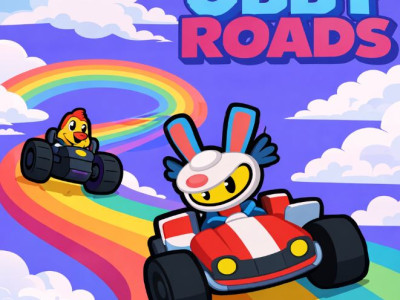
- Obby Roads. Obby Roads combines driving with obstacle-course routes where a safe landing can matter more than outright speed. Line up the car before a narrow ramp or gap. Carry only enough speed to reach the next stable surface without needing a sharp correction at the edge.
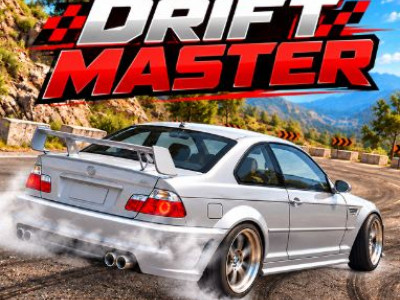
- Drift Masters. Drift Masters focuses on steering a car through corners while maintaining control of its slide. Enter a corner at a speed you can correct. Start a small slide, watch the car’s direction, and ease the steering back before the rear end swings too far.
- Shortcut Run. Shortcut Run is a racing game where collected route-building pieces can help create crossings away from the normal path. Judge the shortcut distance before leaving the normal route.
How do you choose the right racing game?
| Before you start | Read the game objective and loaded control instructions. |
|---|---|
| If a frame fails | Use an offered provider link; network and domain rules can affect access. |
| If you want another style | Shooting games, platform games, and Unblocked games provide other starting points. |
Collection reviewed . Counts describe this directory, not a game’s player population. Provider availability can change.