







What makes these arcade games different?
Arcade games usually make their central action clear quickly: line up a shot, steer through a gap, or keep a run alive. Learning the response to that one action gives short attempts a purpose.
Pick a challenge with an input you enjoy repeating. Use the first few attempts to learn its timing before chasing a score.
Which listed games can you start with?
- Shady Cats. Shady Cats is a platform game with cat characters, quick jumps, and obstacles along a compact route. Aim for a stable landing before planning the next jump. Learn the character’s reach on a clear section before attempting a narrow gap.
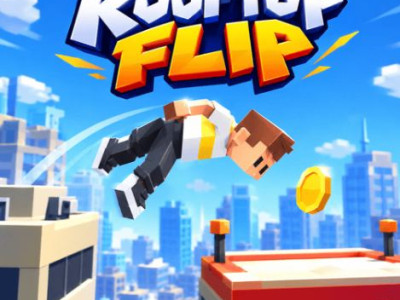
- Rooftop Flip. Rooftop Flip is a rooftop stunt game where launch timing and midair rotation determine the landing. Judge the distance to the target before starting the flip. Release the rotation early enough for the feet to face the landing area.
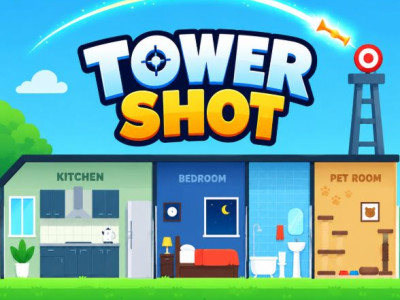
- Tower Shot. Tower Shot is a projectile-placement game where timing a dart or shot changes how it meets the target structure. Watch the target’s movement before releasing. Use a consistent launch to learn which part of the motion gives the projectile a useful landing.
How do you choose the right arcade game?
| Before you start | Read the game objective and loaded control instructions. |
|---|---|
| If a frame fails | Use an offered provider link; network and domain rules can affect access. |
| If you want another style | Shooting games, platform games, and Unblocked games provide other starting points. |
Collection reviewed . Counts describe this directory, not a game’s player population. Provider availability can change.